

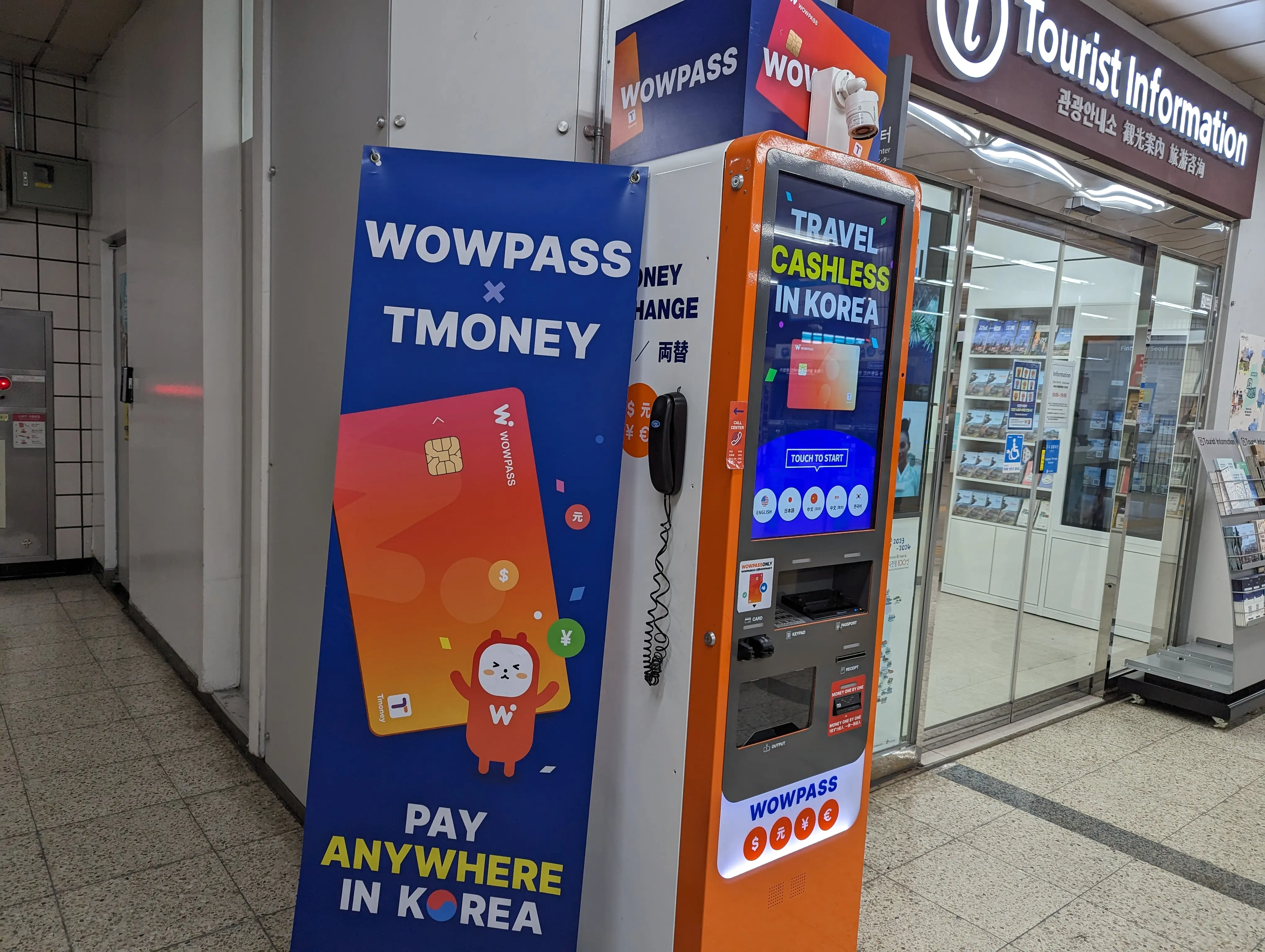
The code and what you get
Just enter EHCD657Z in the app. From then on, 0.5% (up to 5,000 KRW) is automatically refunded to your balance on every foreign-currency top-up.
Enter the code before you register the card in the app.
Enter the invite code for
cashback.
Enter the code below during your first WOWPASS app sign-up to receive 0.5% (up to 5,000 KRW) cashback on foreign-currency top-ups.
How to enter the code
You can already have the physical WOWPASS card in hand — that is fine. The only rule is the order: enter the code before registering the card in the app. Once a card is registered, the input field disappears.
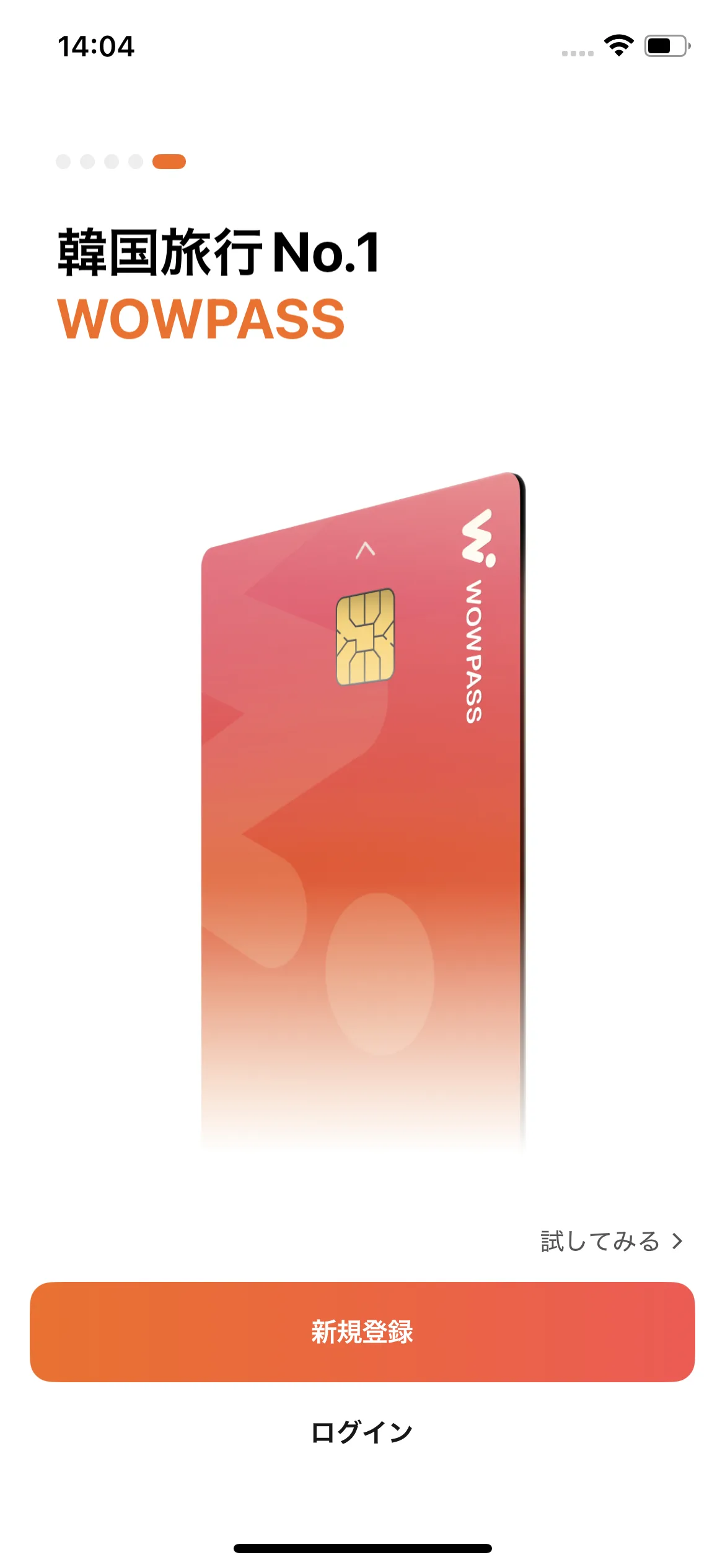
SCREENSHOT 01 STEP 01Open the app and sign up
Install "WOWPASS" from the App Store or Google Play, open it, and tap Sign up. Enter your email and follow the on-screen verification — nothing tricky.
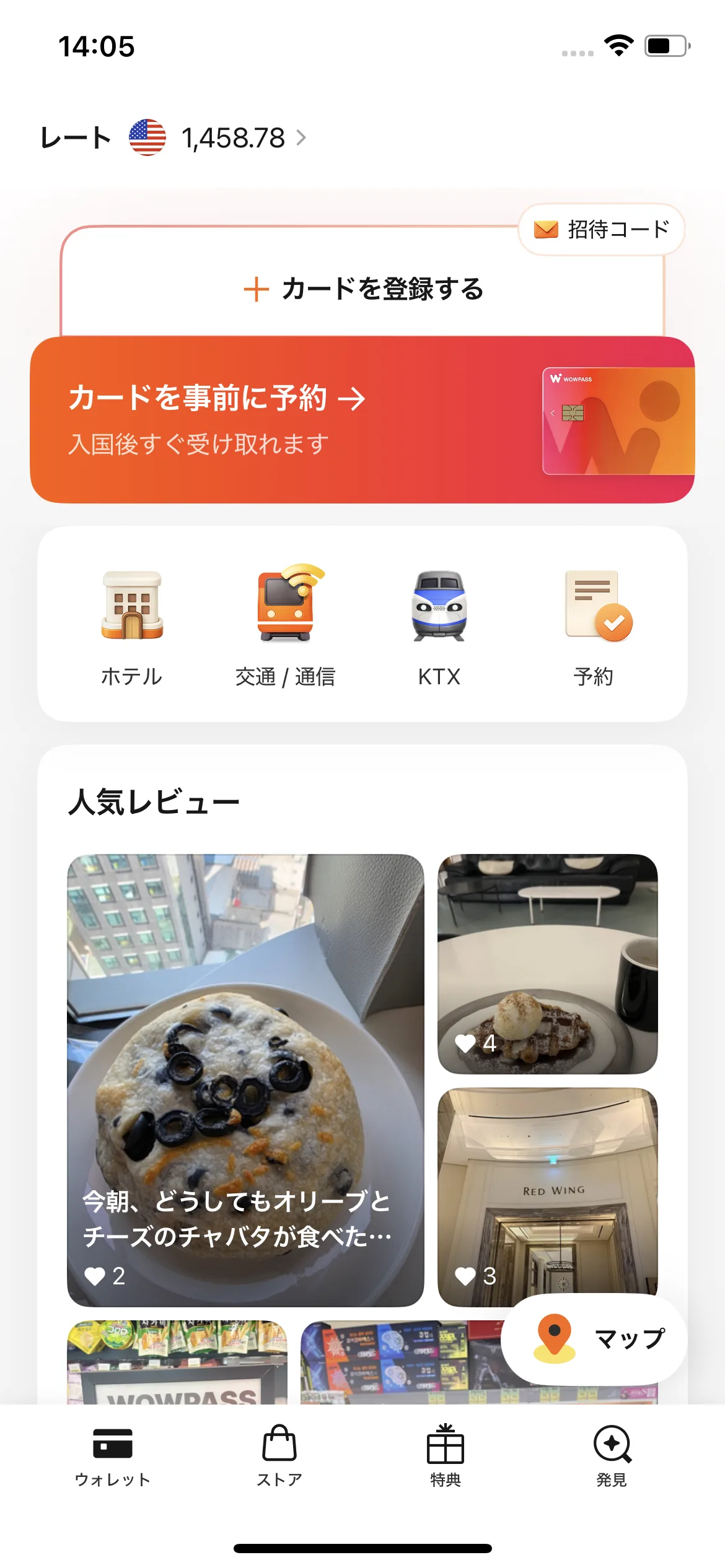
SCREENSHOT 02 STEP 02On the home screen, tap "Register a card" or "Invite code"
On the home screen, either tap "+ Register a card" at the top, or the "Invite code" button at the top right. Both routes lead to the code-entry screen.
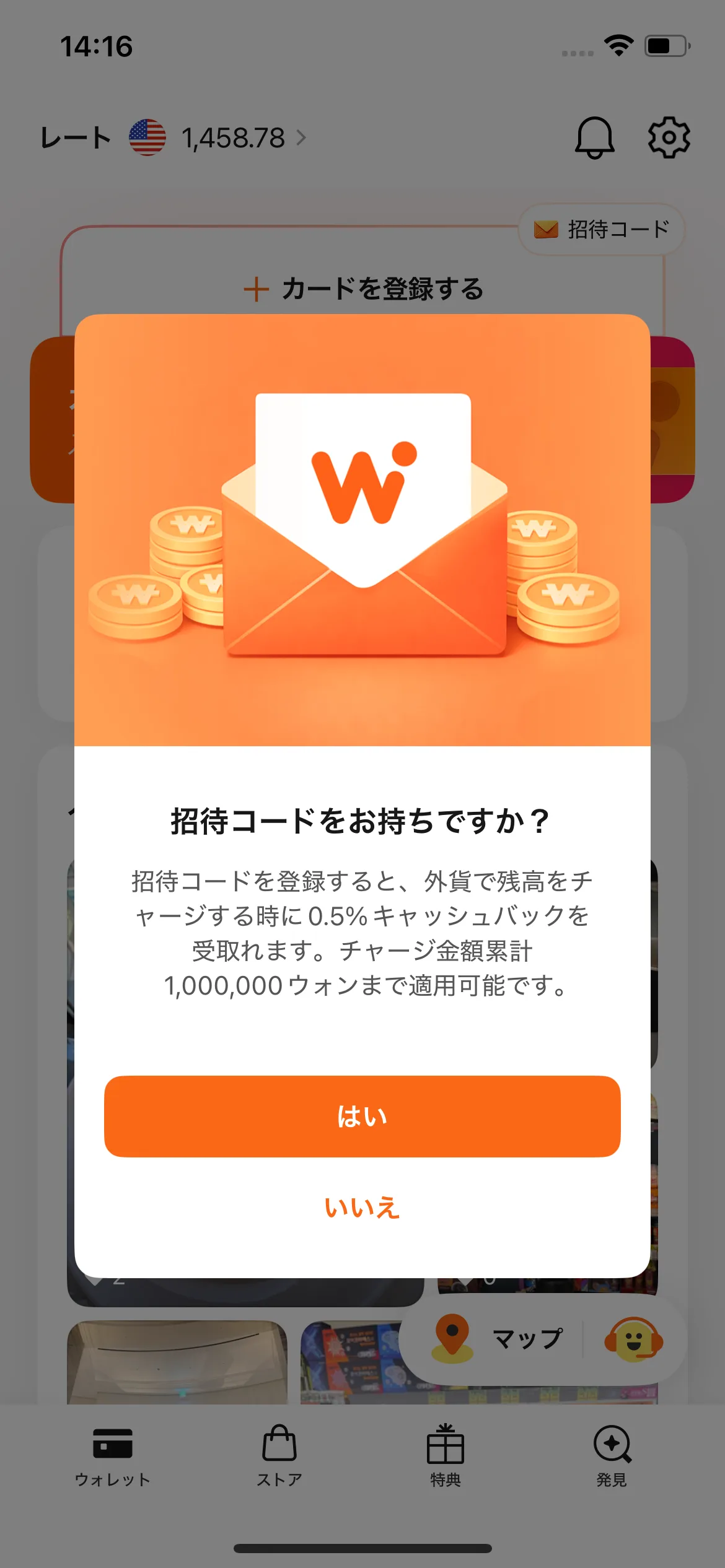
SCREENSHOT 03 STEP 03Tap "Yes" on the "Do you have an invite code?" prompt
If you came from "+ Register a card", this modal appears. Tap "Yes". (If you came from the top-right "Invite code" button, this prompt is skipped.)
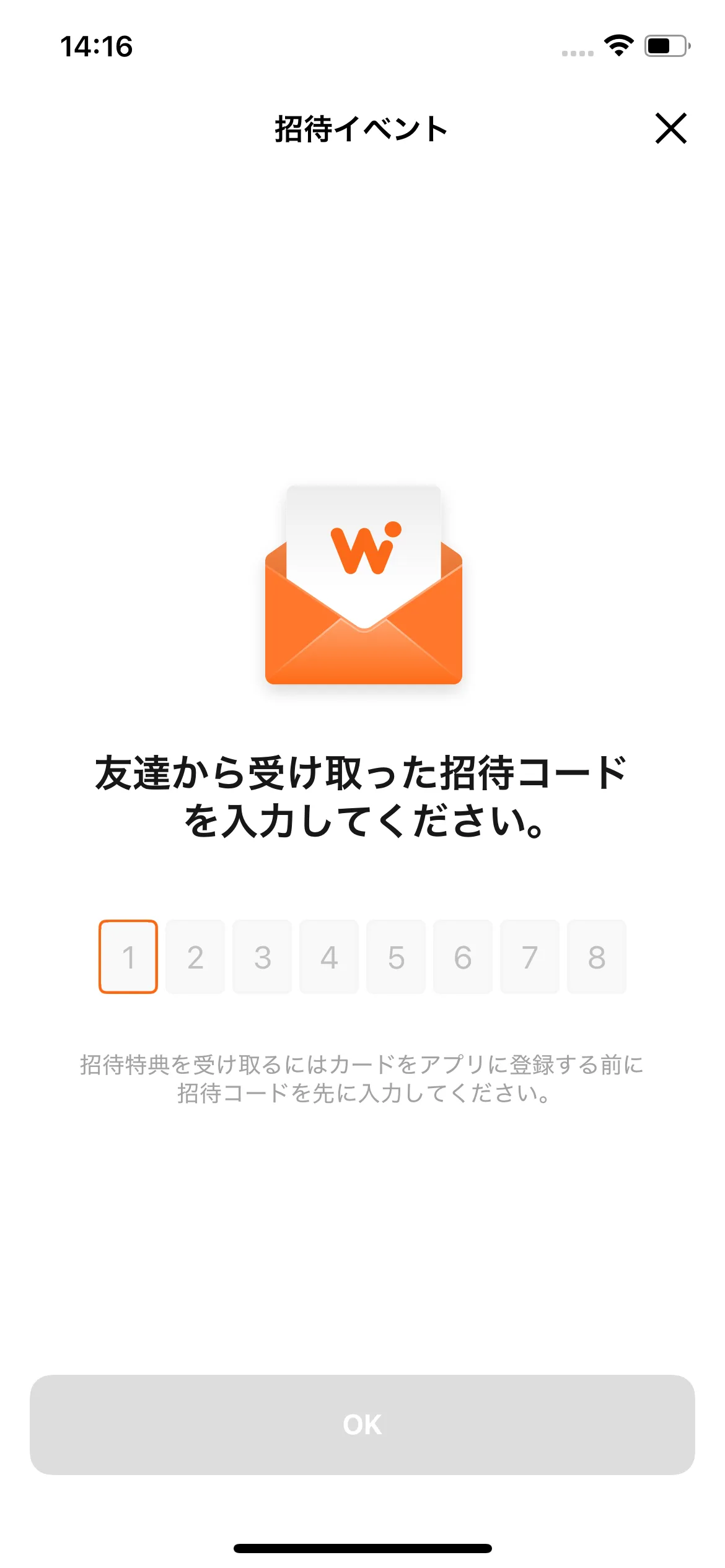
SCREENSHOT 04 STEP 04Enter the code and tap OK
Type the code EHCD657Z into the 8-digit boxes and tap OK. That is it — once you register the card afterwards, every foreign-currency top-up automatically returns 0.5%.
Invite CodeEHCD657Z
Pitfalls to know up front
Enter the code before registering the card in the app
You can buy the physical card in advance — that is OK. But you must enter the code before registering the card in the app. After the card is registered, the input field disappears and there is no separate way to add the code.
Cashback applies only to foreign-currency top-ups
Cashback covers foreign-currency top-ups at the kiosks (JPY, USD, and 12 other currencies). Cash top-ups in Korean won are excluded. The 0.5% (up to 5,000 KRW) is refunded automatically per top-up.
Never top up with a credit card
The in-app credit-card top-up stacks WOWPASS's 4.2% fee on top of the 2.2% overseas-transaction surcharge — far more than the 0.5% the code gives back. Always top up with cash at a kiosk.